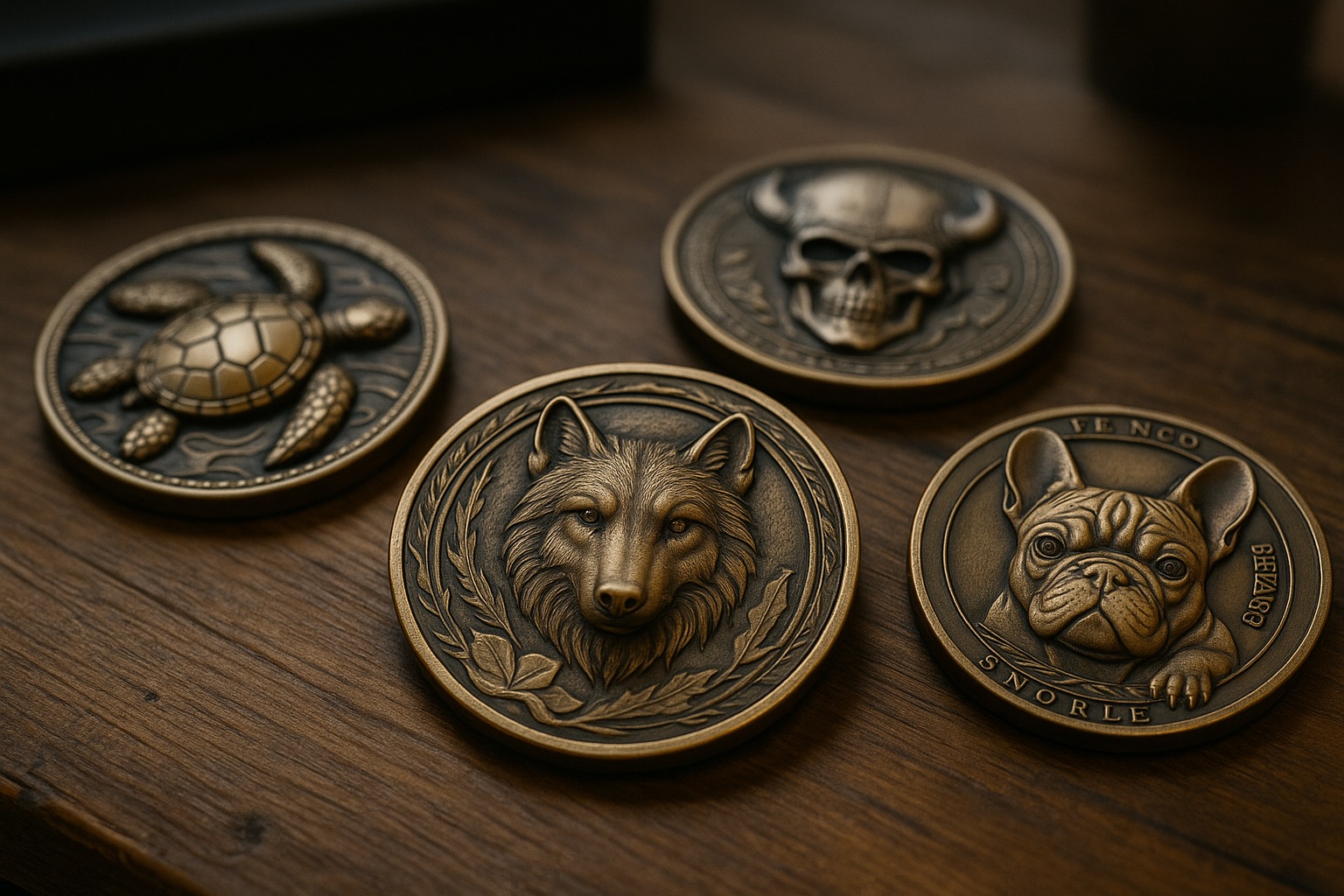
Create Depth Maps for Perfect Deep Engravings
With TiefRinnDa you create high-quality depth maps for perfect deep engravings. Whether brass coins or reliefs in wood.
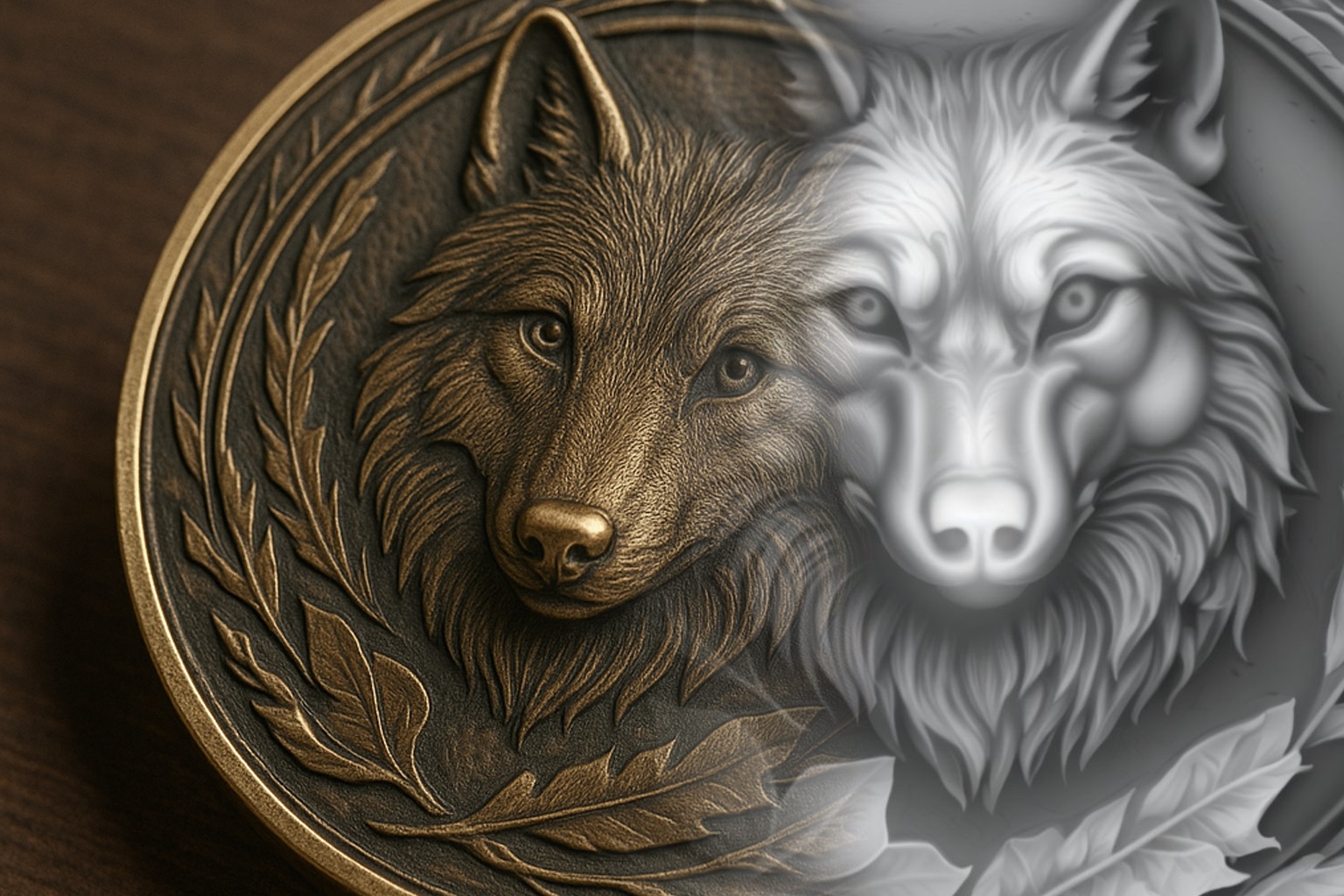 🪙 Engrave Coins
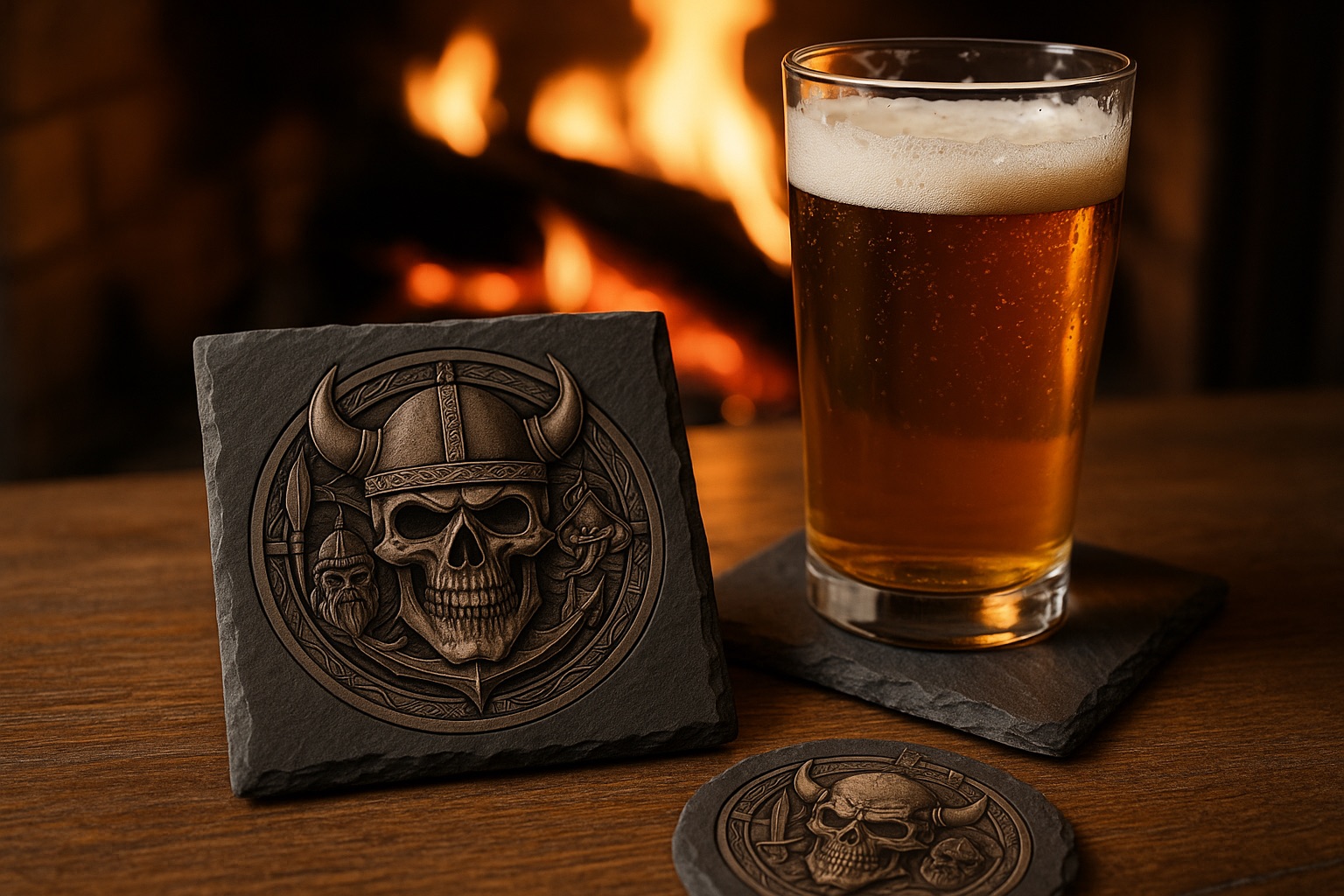 🪨 Slate Engraving
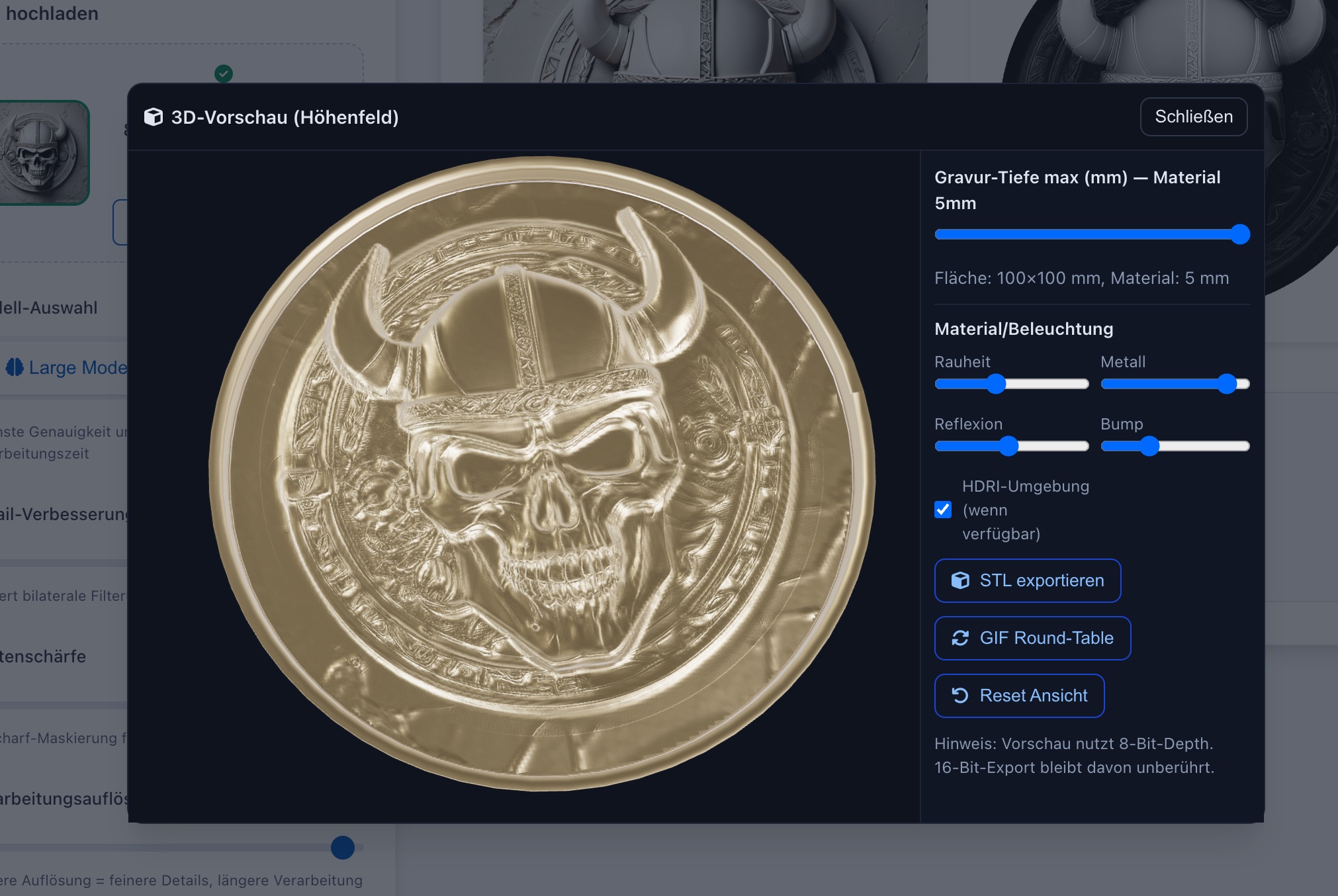 🌀 3D Preview
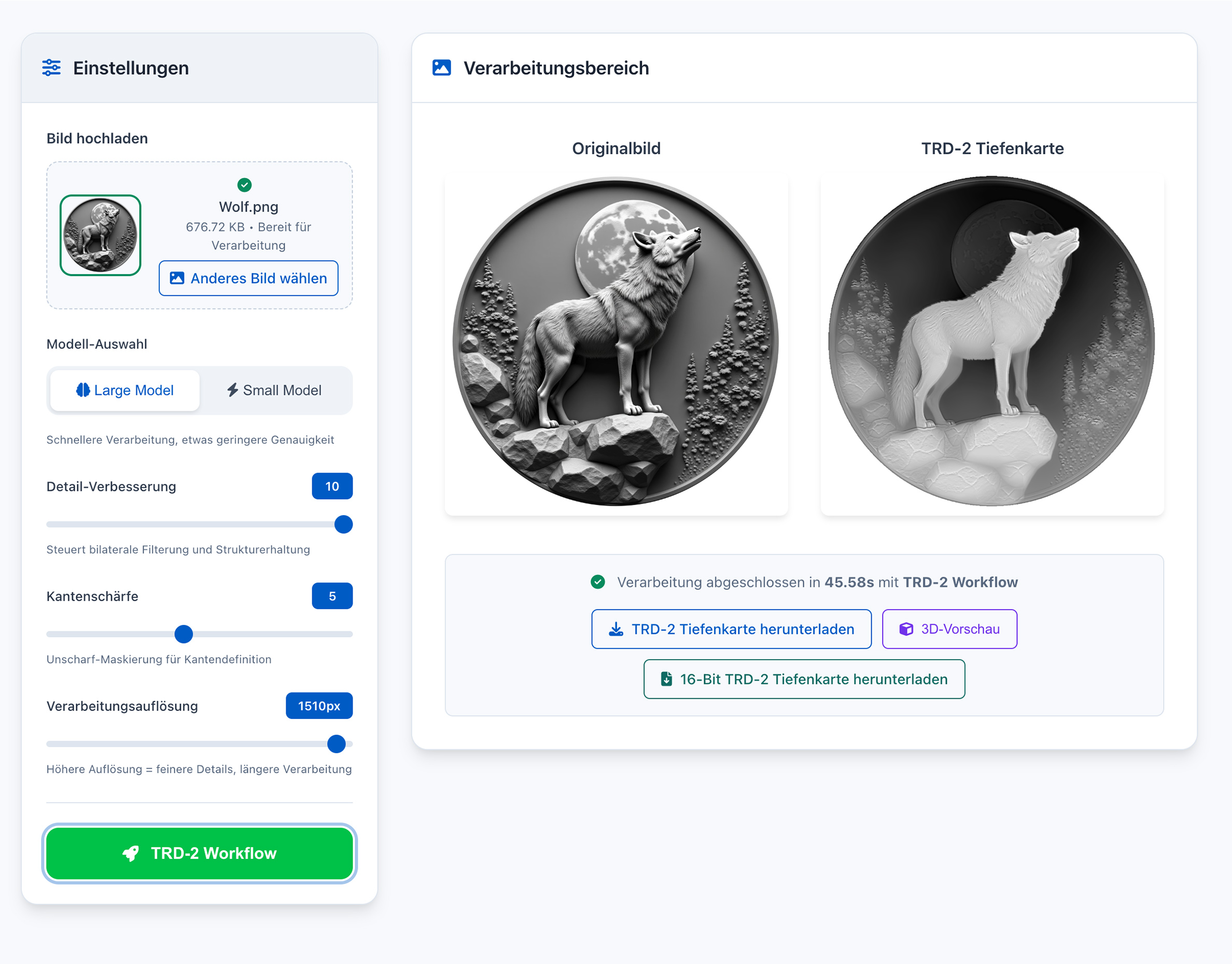
🖥️ User Interface
How it Works
After purchase you will receive the download and can use TiefRinnDa immediately. Please confirm that you want immediate access (right of withdrawal expires according to § 356 para. 5 BGB).
TiefRinnDa – Your Perfect Solution for Depth Maps
With TiefRinnDa everything runs directly on your computer – completely local, without internet. Your data stays private and you can convert as many images into depth maps as you want.
Various parameters allow flexible adjustment of the result: Whether maximum speed* or highest quality – you decide what's more important to you.
A special extra: You can immediately view your depth maps in an interactive 3D view and get a direct impression of how the engraving will look later.
And when it comes to sharing or further processing, you have two powerful options:
- Export as STL for 3D printing
- Export as GIF 360° view, so your work shines from all sides
In short: TiefRinnDa gives you full control, is fun to use and quickly* gets you exactly the result you want.
*The speed until an image is fully calculated depends heavily on the hardware used.
Frequently Asked Questions (FAQ)
What is the software for?›
The software runs locally on your computer — no internet connection and no cloud AI required.
Which laser is best for deep engraving?›
With a CO₂ or diode laser you can also achieve good results on wood, but they are not the first choice for precise deep engravings in metal.
Which laser software can process these depth maps?›
How long does it take to convert an image into a depth map?›
- Mac Mini M4 Pro: about 75–95 seconds at the highest quality setting
- Intel Core i7 + NVIDIA RTX 3070: about 55–75 seconds
Is there a demo version?›
Instead, we focus on direct exchange and free support in the community.
On how many computers can I install TiefRinnDa?›
Why do I get a warning when I start TiefRinnDa?›
TiefRinnDa is safe because it runs entirely locally and does not send any data to the internet.
Where can I get support quickly?›
Usage is 100% free — you can contact Keller Papa or other users directly there.
👉 Join the K40 Keller Discord
How much free storage does TiefRinnDa need?›
Additionally, on first launch an AI model (~ 100 MB) is downloaded from the internet.
If you install the larger model as well, another 1.4 GB is required.
Is 8 GB of RAM enough?›
In our tests we observed no negative effects.
🧩 System Requirements
✅ Minimum Requirements
- 🖥️ Operating System: Windows 10 (64-bit) or newer · macOS 11 (Big Sur) or newer
- ⚙️ CPU: 4-core (e.g. Intel Core i5 8th Gen or Apple M1)
- 🧠 RAM: 8 GB
- 🎮 Graphics: integrated GPU or dedicated card with ≥ 2 GB VRAM
- 💾 Storage: 2 GB free (software; models as needed)
- 🌐 Internet: required for AI model download
🚀 Optimal Hardware
- 🖥️ Operating System: Windows 11 (64-bit) · macOS 12 (Monterey) or newer
- ⚙️ CPU: 6–8 cores (e.g. Intel Core i7/i9 from 12th Gen or Apple M1 Pro/M2/M3)
- 🧠 RAM: 16 GB or more
- 🎮 Graphics: NVIDIA RTX from 3060 (≥ 6 GB VRAM) or Apple Silicon M-Series (Metal)
- 💾 Storage: ≥ 10 GB free (projects, STL, cache)
- 🌐 Internet: fast & stable for downloads/updates